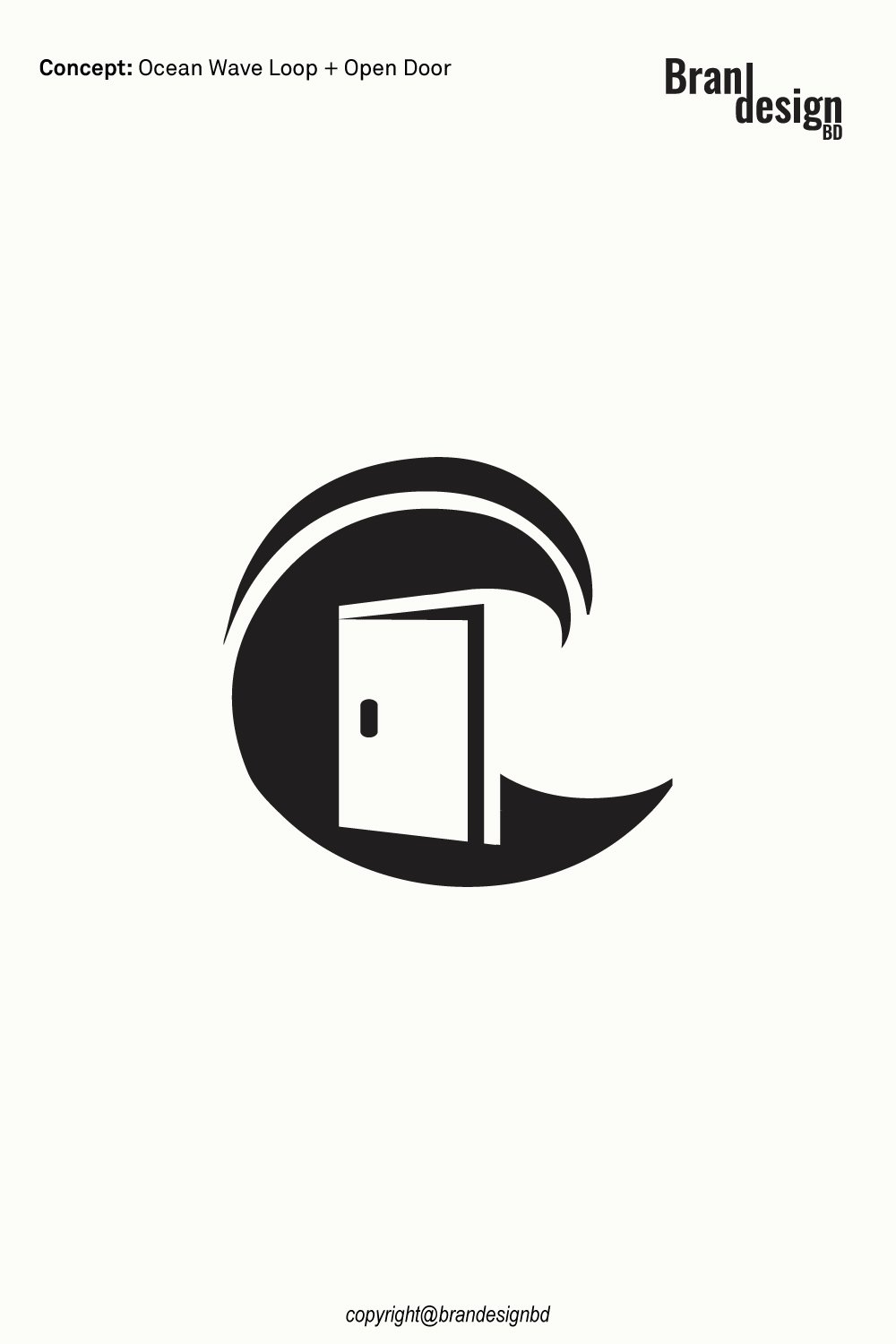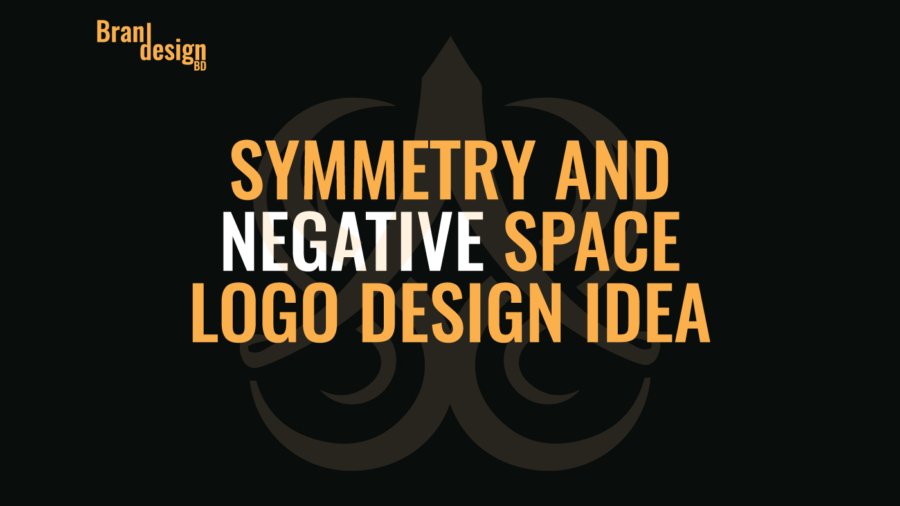
A strong logo can create a memorable identity through balance, proportion, and intelligent use of space. The Symmetry and Negative Space Logo Design Idea is built around these principles, using mirrored forms and carefully controlled empty space to create a distinctive and visually balanced symbol.
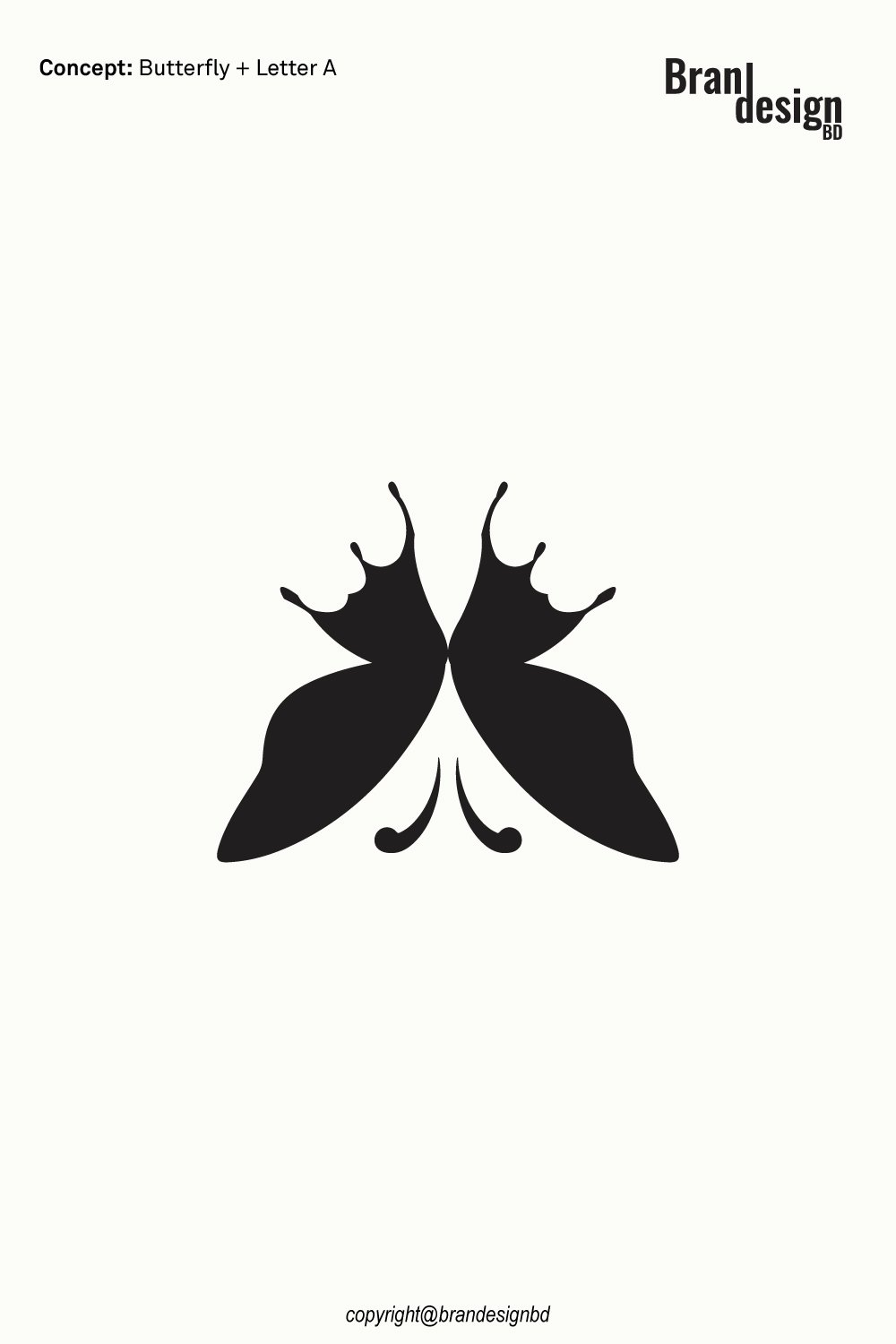
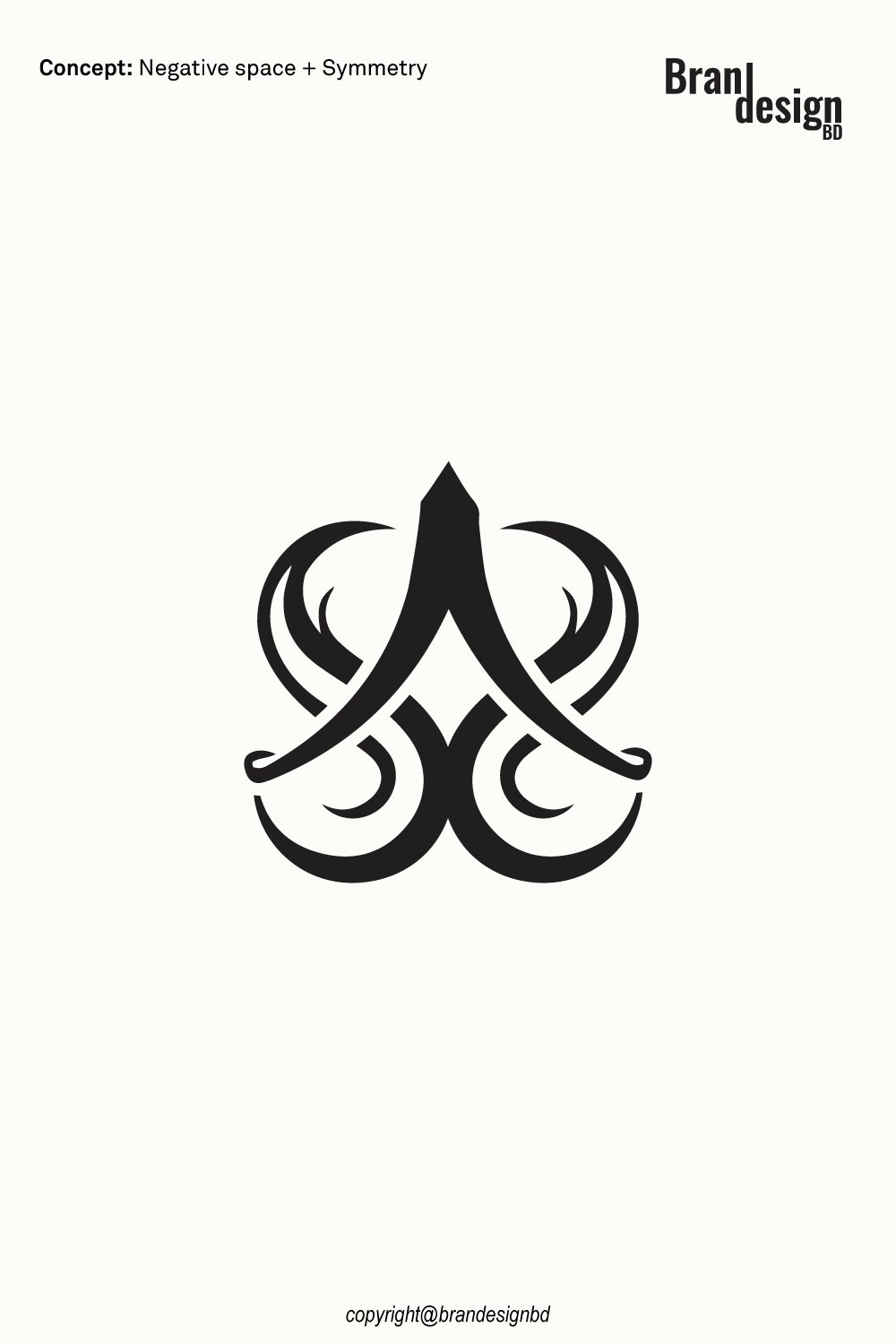
The logo features a symmetrical arrangement of flowing curves around a strong central structure. The mirrored composition creates a sense of order and harmony, while the negative space between the shapes introduces an additional visual layer.
Rather than relying on many separate graphic elements, the design uses a limited number of bold forms to create a sophisticated and recognizable mark. The result is a logo with a decorative yet modern character that can be adapted for a variety of professional and creative brands.
This type of logo can work well for businesses connected with fashion, beauty, jewelry, luxury products, lifestyle, architecture, interior design, creative agencies, personal brands, wellness, hospitality, and other industries that want a refined and distinctive visual identity.
The Concept Behind the Logo
A successful logo should have a clear visual idea. Instead of combining many unrelated symbols, this concept focuses on two fundamental design principles: symmetry and negative space.
Concept: Symmetry + Negative Space
The symmetrical structure gives the logo stability and visual harmony, while the negative space creates hidden shapes and breathing room within the mark. Together, these principles produce a logo that feels organized, elegant, and visually engaging.
Symmetry
A symbol of balance and harmony
Symmetry is one of the strongest visual principles used in this logo. The left and right sides are carefully balanced around a central axis, creating a mirrored composition.
This balance can communicate ideas such as harmony, stability, precision, unity, consistency, and professionalism.
Symmetrical logos can also be visually comfortable because the repeated relationship between the two sides creates a clear sense of structure.
In this design, the curved outer elements mirror one another while the central shape provides a strong visual anchor.
The Central Structure
Creating a strong visual focal point
The central vertical form gives the logo a clear point of focus. Its pointed upper section and flowing lower connections create a visual path through the center of the composition.
This central element helps hold the surrounding symmetrical forms together and gives the logo a stronger silhouette.
The combination of a strong center and mirrored sides creates a balanced visual hierarchy while keeping the overall design compact.
Negative Space
Creating meaning through empty space
Negative space is an important part of the logo’s visual identity. The empty areas between the dark shapes are not simply unused space; they actively contribute to the appearance and structure of the symbol.
The central negative space creates a distinctive opening that contrasts with the surrounding black forms. Additional curved spaces on either side help define the inner structure of the mark.
This approach allows the logo to communicate more through fewer shapes. It also creates an element of visual discovery because the viewer can notice different forms depending on how the symbol is viewed.
The Combined Symbol
Turning symmetry and space into one visual identity
The most interesting aspect of the concept is the relationship between symmetry and negative space.
The mirrored shapes create the overall structure, while the spaces between them help define the internal pattern. Neither element works independently; the positive and negative areas work together to create the final symbol.
This makes the logo visually distinctive without requiring excessive detail.
The balanced structure can also make the mark easier to recognize and reproduce across different brand applications, from digital platforms to printed materials.
For logo purchase or negotiation, please contact support@brandesignbd.com.
Logo Sale, Handover & NDA Information
All project handover agreements, ownership documentation, Non-Disclosure Agreement (NDA), and related communication will be handled through the email address provided above.
Once the logo is purchased, we will update the listing status to “Sold” and, upon request, add the buyer’s website or preferred address to the listing as confirmation of the sale. All necessary final files, ownership documentation, and agreed-upon project materials will be provided to the buyer after the purchase is completed.
Potential Applications for the Logo
A versatile logo should be able to represent a business across different industries and visual environments. The Symmetry and Negative Space Logo Design Idea can be adapted for a wide range of brand categories.
Fashion and Beauty Brands
Creating an elegant visual identity
The ornamental symmetry and flowing curves can work well for fashion labels, beauty businesses, salons, cosmetics companies, skincare brands, and accessory businesses.
The balanced shape can create a refined visual personality while the negative space adds a creative design element.
Jewelry and Luxury Brands
Communicating precision and sophistication
Symmetry is particularly suitable for brands that value precision, craftsmanship, and refined presentation.
The logo could be adapted for jewelry designers, luxury accessories, premium product collections, boutiques, and selected high-end lifestyle businesses.
A simplified one-color version can also work effectively on product tags, boxes, engraving, packaging, and certificates.
Architecture and Interior Design
Combining structure with artistic form
The strong central axis and balanced geometry provide a connection to structure and proportion, while the curved elements add a softer creative quality.
This combination can be suitable for architecture studios, interior designers, furniture brands, property-related creative businesses, and design-focused companies.
Creative Agencies and Personal Brands
Building a distinctive signature mark
The unusual combination of mirrored curves and negative space can give a creative business a recognizable signature.
The concept can be appropriate for designers, photographers, artists, creative studios, consultants, content creators, and personal brands looking for an identity that feels more symbolic than literal.
Wellness and Lifestyle Brands
Expressing calm and visual harmony
The balanced composition can also communicate a sense of harmony and order.
This makes the concept adaptable for selected wellness, lifestyle, mindfulness, hospitality, and experience-based brands that want a clean but artistic identity.
Originality and Copyright Verification
Originality is an important part of professional logo development. A logo should not simply imitate an existing identity or use another company’s protected artwork.
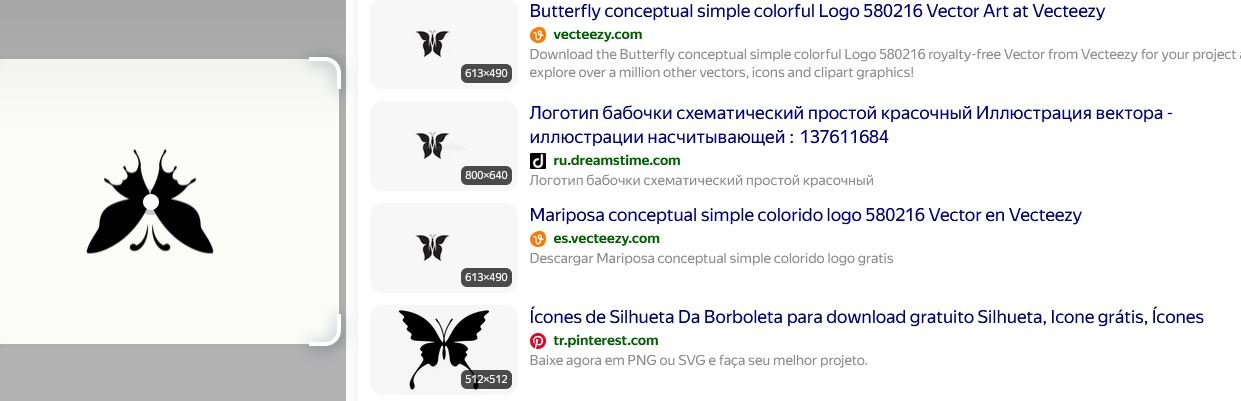
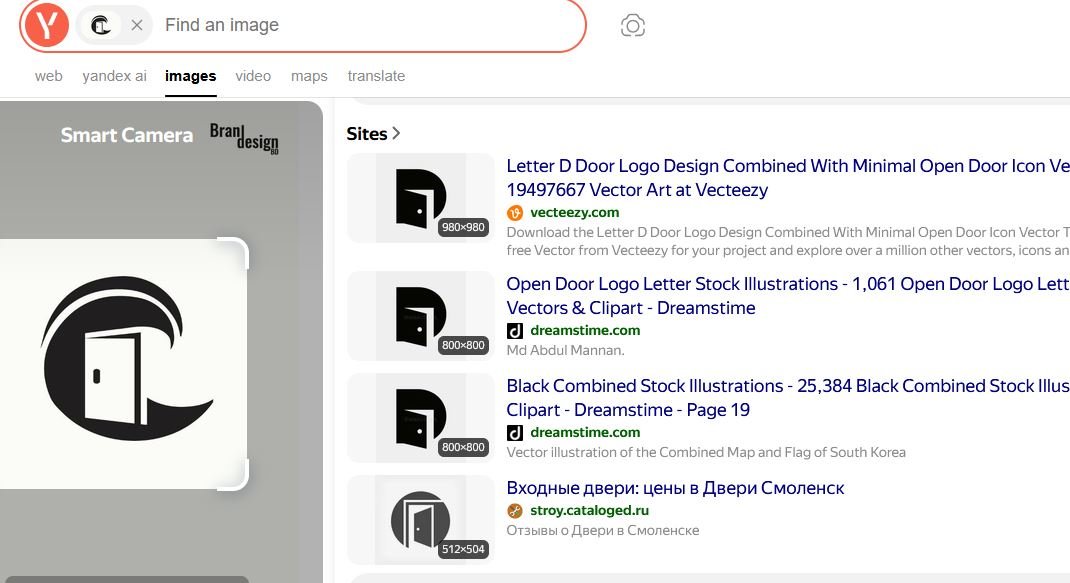
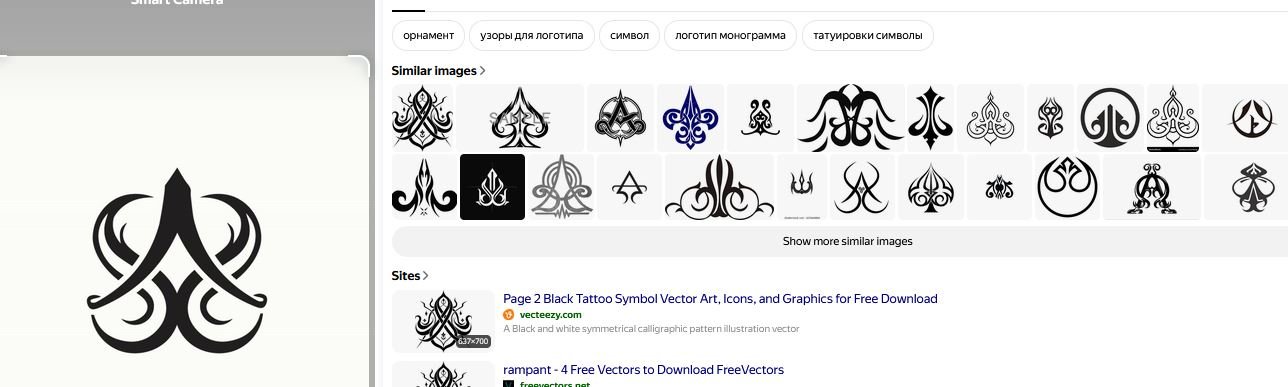
Yandex Image Search
Reviewing visual similarities
Yandex can be used as one part of a broader visual similarity review. Image search can help identify visually similar marks, concepts, or existing artwork that may appear online.
This type of search is useful during the design review process because it provides another opportunity to identify potential visual similarities before final delivery.
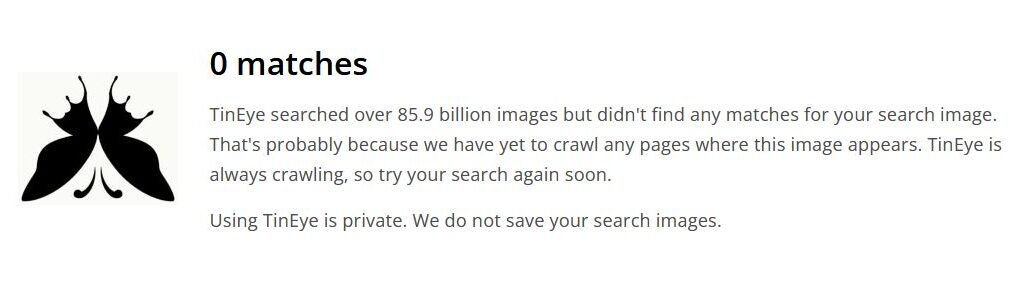
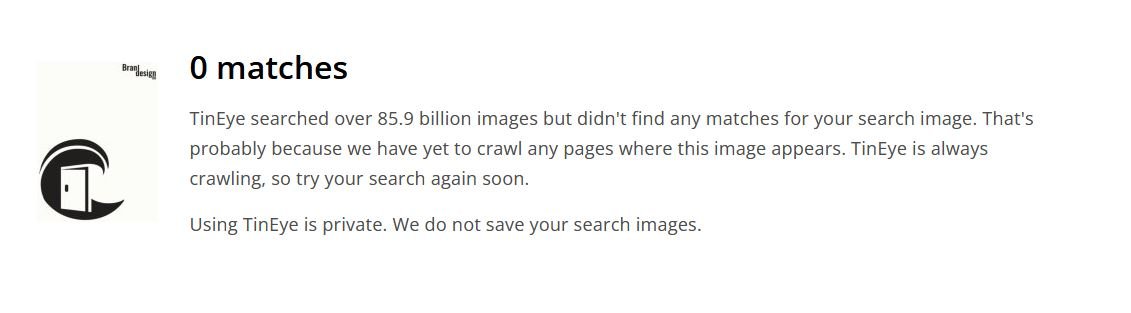
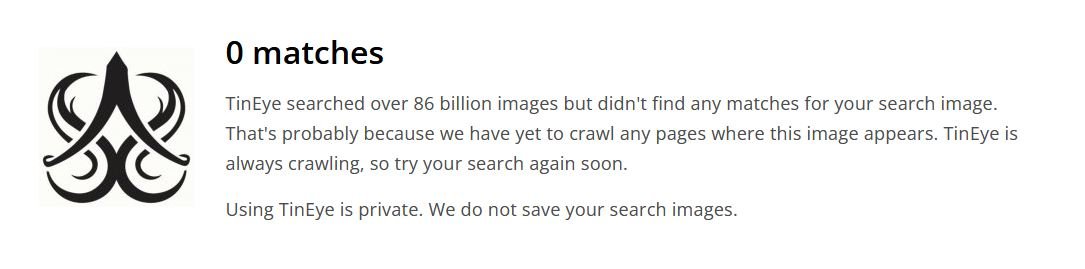
TinEye Reverse Image Search
Checking for matching or reused imagery
TinEye is another reverse-image search resource that can help investigate whether a similar image or graphic appears elsewhere online.
For logo development, reverse-image searches can support an originality review, particularly when the designer wants to check whether a visual element resembles existing online artwork.
Non-Disclosure and Logo Handover Agreement
Professional logo projects may involve confidential business information. A client may share a company name, product concept, launch plan, marketing strategy, packaging information, or other materials that are not yet publicly available.
Clear communication about confidentiality, ownership, and final deliverables can help establish expectations between the designer and buyer.
Non-Disclosure Agreement
Protecting confidential client information
A non-disclosure agreement, commonly called an NDA, can establish clear expectations regarding confidential information.
Depending on the agreement, the designer may be required to keep private materials confidential and avoid sharing unreleased brand information, business documents, product concepts, or other protected project details without permission.
An NDA should clearly define what information is confidential, how that information may be used, and what responsibilities apply after the project ends.
Logo Handover Agreement
Defining final ownership and deliverables
A logo handover agreement can clarify what the buyer receives after the purchase and completion of the project.
A professional handover may include the final logo files, editable vector artwork, approved variations, color versions, and other agreed project materials.
The agreement should also state when ownership or usage rights transfer to the buyer. Depending on the project terms, this may occur after final payment has been received.
Final File Delivery
Providing practical brand assets
A complete logo package may include formats such as AI, EPS, SVG, PDF, and high-resolution PNG files when these are included within the agreed scope.
Vector formats are particularly useful because they allow the logo to be resized for both small and large applications without losing qualit
Final Thoughts on the Symmetry and Negative Space Logo Design
The Symmetry and Negative Space Logo Design Idea combines balanced mirrored forms with carefully constructed empty space to create a distinctive and elegant visual identity.
Symmetry provides structure, harmony, and consistency, while negative space adds visual depth and allows the symbol to communicate more through fewer graphic elements.
The central structure creates a strong focal point, while the surrounding curved forms provide movement and decorative character. Together, these elements create a logo that feels organized yet creative.
Its adaptable structure makes the concept suitable for fashion, beauty, jewelry, luxury products, architecture, interior design, creative services, lifestyle brands, wellness businesses, and other professional applications.
The logo can also be prepared for a wide range of digital and print uses, including websites, social media, business cards, stationery, packaging, product labels, signage, merchandise, and promotional materials.
For brands looking for a visual identity based on balance, sophistication, creativity, and intelligent use of negative space, this concept provides a flexible starting point for professional branding.
With professional vector artwork, organized final files, clear handover terms, appropriate confidentiality arrangements, and a responsible originality review, the finished identity can be prepared for practical brand use.
When developing any new logo, visual similarity should be reviewed carefully, while formal trademark and legal checks should be handled through the appropriate professional channels. This combination of creative design and responsible brand preparation helps create a more complete identity for a growing business.
Also, check the recent article about the Creative Doorway and Ocean Wave Loop Logo Concept here