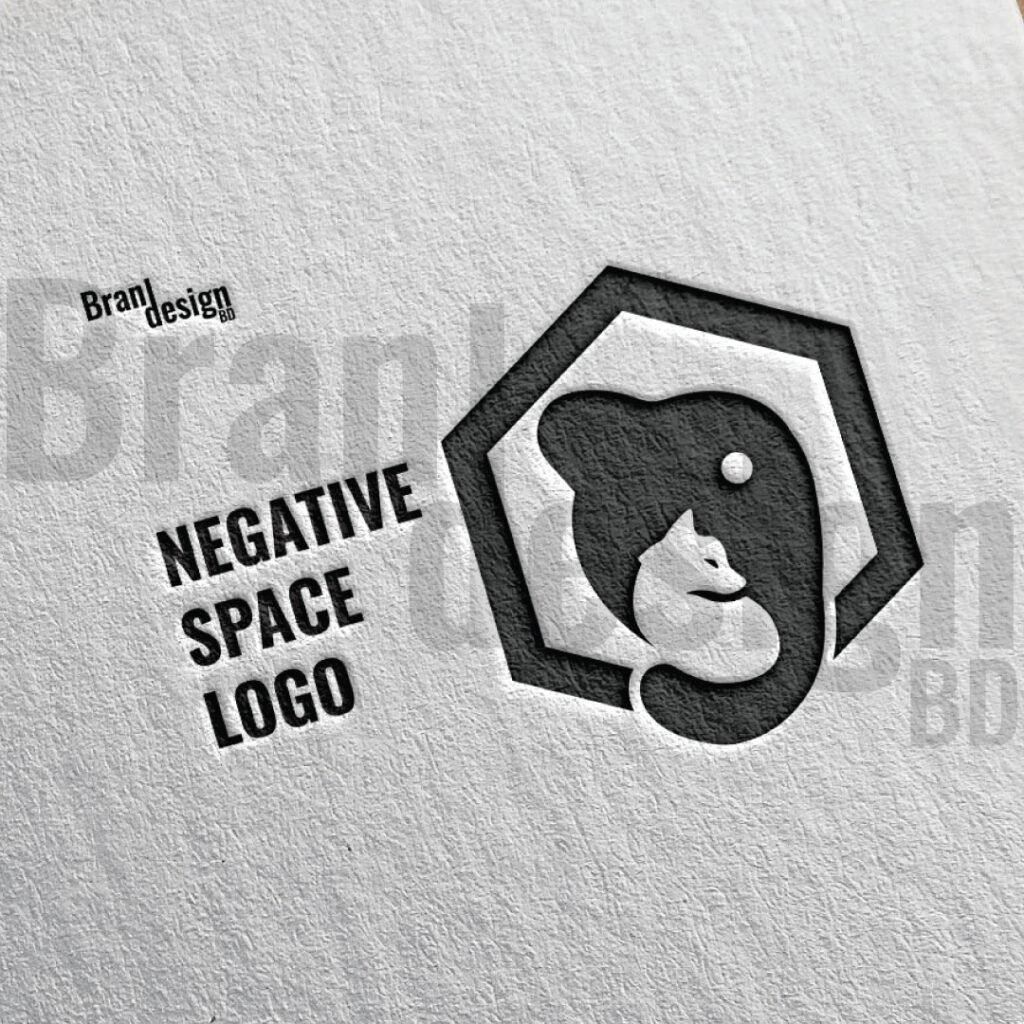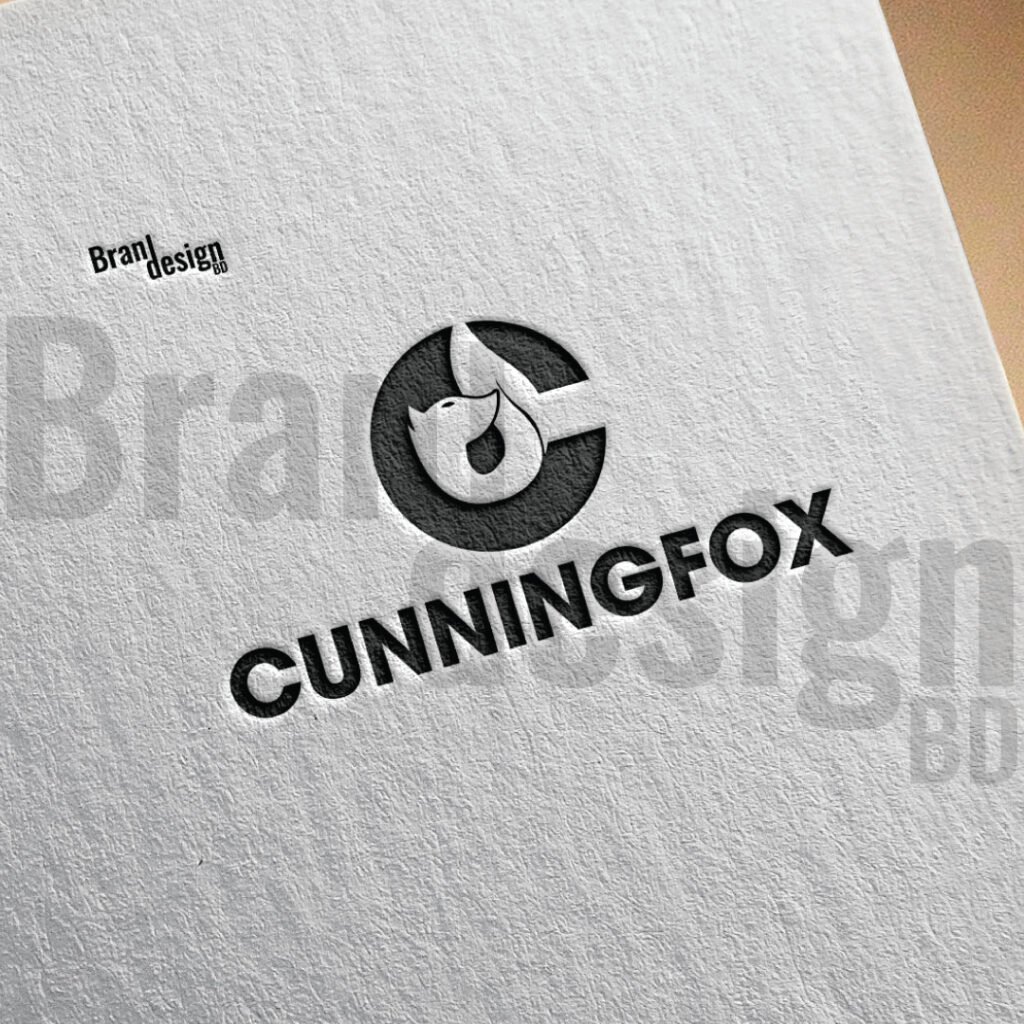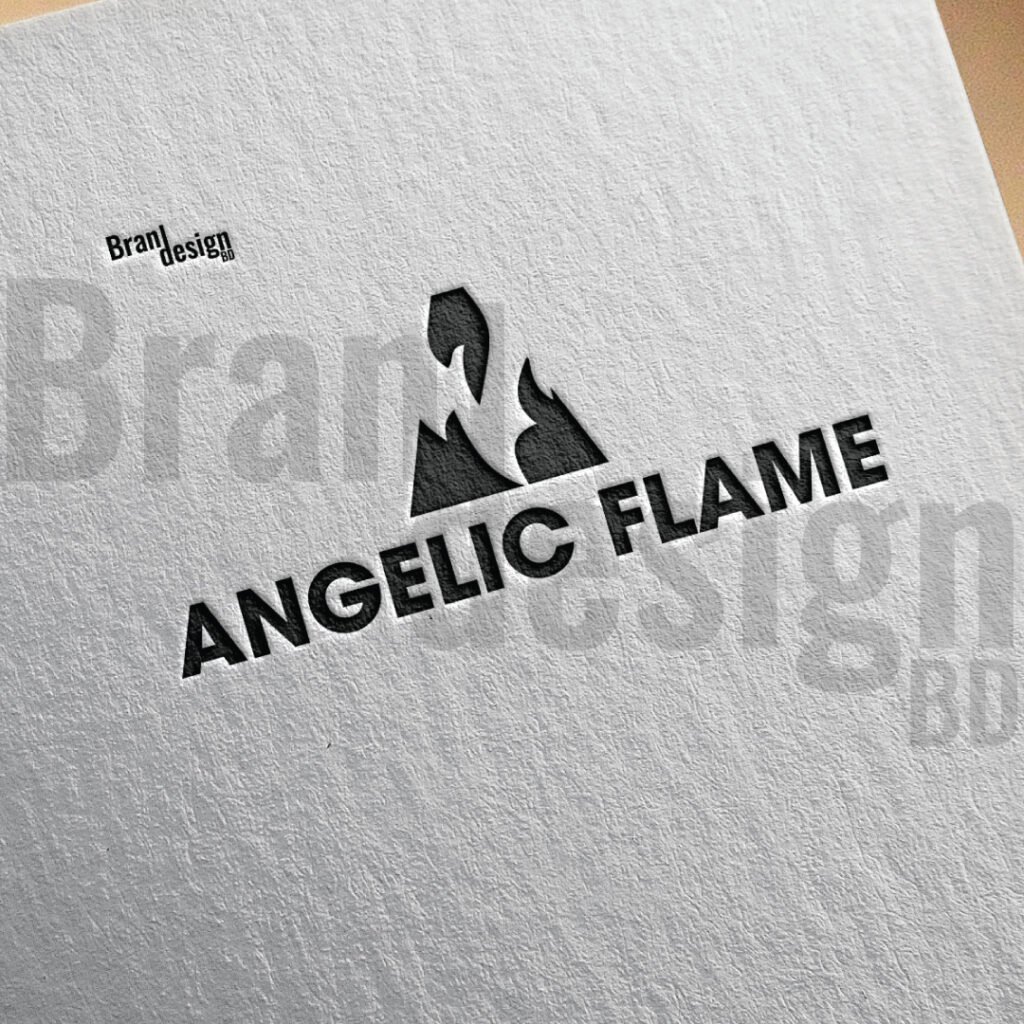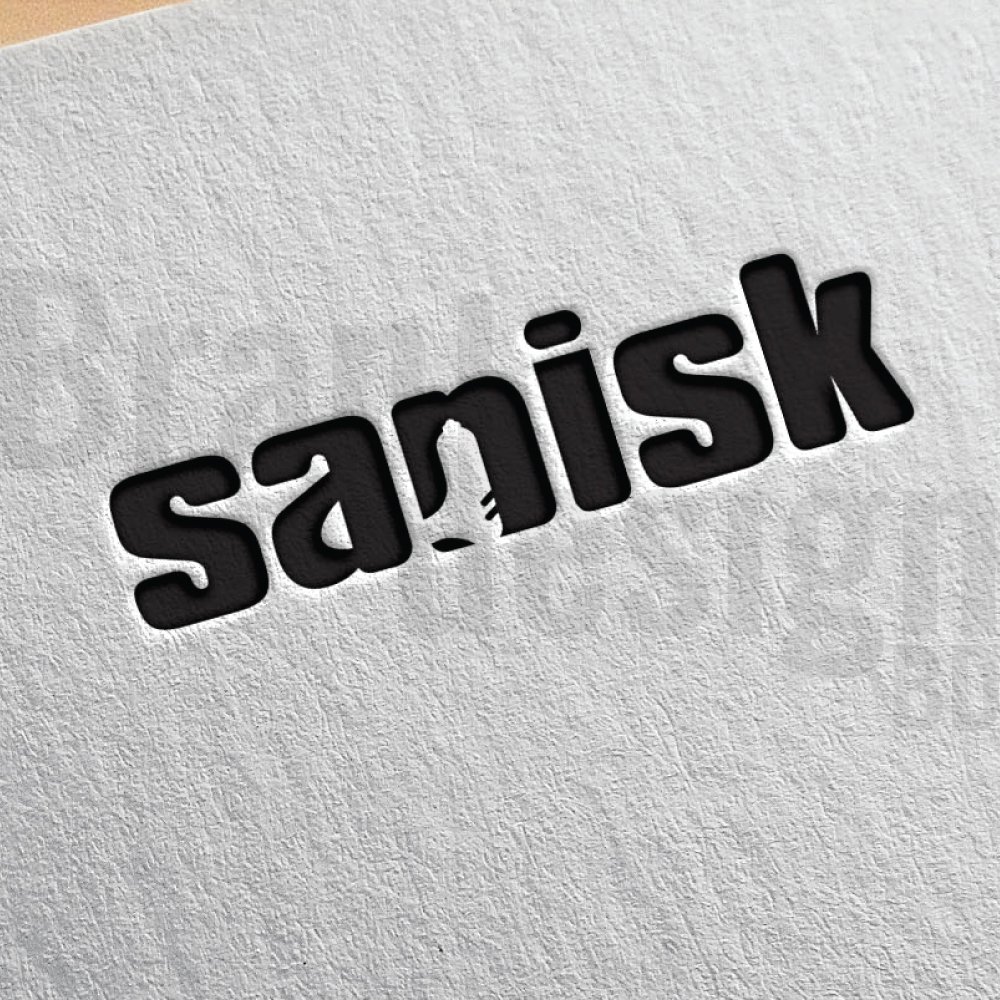
Discover the top 5 free mockup websites for graphic designers: Pixeden Club, Mockup World, and Mockup Cloud. Access thousands of PSD mockups to showcase your designs professionally—without spending a dime!
Introduction
In the world of graphic design, presentation is everything. Whether you’re a freelance designer, part of an agency, or an entrepreneur creating visuals for your brand, how you present your work determines how clients and customers perceive it.
Imagine this: you’ve spent hours crafting a stunning logo, a sleek packaging design, or an eye-catching poster. But when you send a flat JPEG to your client, it doesn’t have the same impact. That’s where mockups come in.
Mockups allow you to place your design in real-life contexts—whether it’s on a business card, billboard, coffee cup, or product packaging. They help your clients visualize the final product, enhancing the professional appeal of your work.
What is a Mockup?
Before we get into the list, let’s quickly cover the basics.
A mockup is a high-resolution template that allows designers to showcase their work in a realistic setting. Mockups are usually PSD (Photoshop) files with smart objects that make it easy to insert your design with just a few clicks.
Common types of mockups include:
- Logo mockups
- Business card mockups
- Packaging mockups
- Apparel mockups (T-shirts, hoodies, hats)
- Tech mockups (smartphones, laptops, tablets)
- Print mockups (posters, flyers, brochures)
- Web and UI mockups
Using mockups saves time and helps you present your work in a polished, professional way.
Why Use Free Mockup Websites?
There are plenty of premium mockup services out there, but not everyone has the budget for them—especially freelancers, students, or small businesses.
Free mockup websites solve this problem by offering:
- Cost savings
- High-resolution PSD files
- Smart object functionality
- Realistic scenes and perspectives
- Licensing flexibility (often for personal and commercial use)
Now, let’s look at the Top 5 Free Mockup Websites for Graphic Designers in detail.
1. Pixeden Club
Website: Pixeden.com
Overview
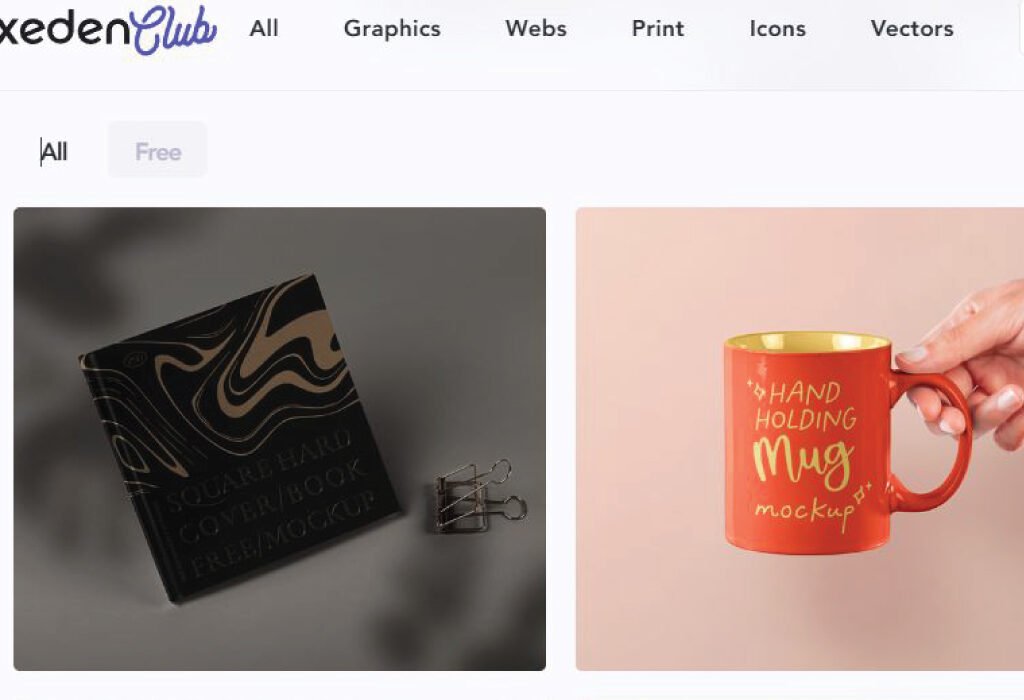
Pixeden Club is one of the most trusted names in the mockup community. Known for its high-quality mockups and templates, Pixeden offers both free and premium content. Their free section is generous enough to satisfy the needs of most graphic designers.
While Pixeden is not exclusively free (they do have a premium membership), their free mockup collection is extensive and highly professional.
Top Features
High-Quality Free PSD Mockups
To begin with, Pixeden’s free PSD mockups are polished and highly detailed, often rivaling the quality of premium mockup platforms. This allows designers to create professional presentations without spending a dime.
Smart Object Integration
Moreover, Pixeden makes the design process simple by offering easy smart object integration. With just a few clicks in Photoshop, you can insert your design and see it instantly placed in the mockup scene.
Diverse Categories
In addition, Pixeden provides a wide variety of categories, ranging from stationery and branding mockups to iPhone, MacBook, and packaging templates. This makes it a versatile resource for different types of design projects.
Regular Updates
What’s more, the platform is frequently updated with new mockups, ensuring that designers always have access to fresh and trendy materials.
Print-Ready Files
Finally, many of Pixeden’s mockups are high-resolution (up to 300 DPI), making them ideal for both web and print presentations. Whether you need visuals for a digital portfolio or a printed client pitch, Pixeden has you covered.
Popular Free Mockups on Pixeden
- Business Card Mockups
- Magazine and Book Mockups
- Apple Device Mockups (MacBook, iPad, iPhone)
- Cosmetic and Packaging Mockups
- Apparel and Fashion Mockups
Pros and Cons
| Pros | Cons |
|---|---|
| Free and premium options | Limited number of free mockups compared to the premium library |
| Extremely realistic presentations | Requires registration for some downloads |
| Wide category range | Some files are large (require good internet speed) |
Who Should Use Pixeden?
- Freelance graphic designers
- Branding agencies
- Packaging designers
- UX/UI designers needing device mockups
2. PSDFreeMockup
Website: PSDFreeMockup.com
Overview
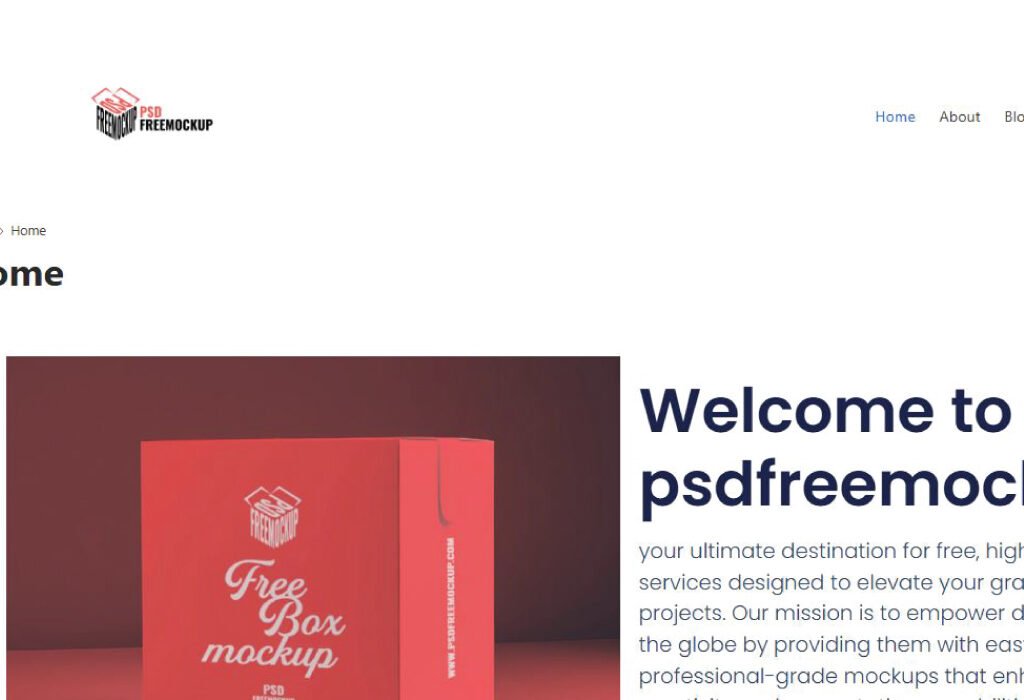
PSDFreeMockup is one of the leading free mockup resource sites dedicated to providing premium-quality PSD mockups without charging a cent. Unlike other platforms, PSDFreeMockup focuses entirely on free content, with no hidden paywalls.
Their goal is to help designers save time and elevate their projects with easy-to-edit mockups that fit various industries.
Top Features
1. Huge Free Mockup Collection
PSDFreeMockup features thousands of free PSD mockups in multiple categories, including:
- Product packaging
- Apparel and fashion
- Print and stationery
- Technology devices
- Food and beverage
- Cosmetics and beauty
- Outdoor advertising
2. Realistic and Modern Designs
The site offers photorealistic and trendy mockups that match current design standards, helping your portfolio stay up-to-date.
3. Instant Download—No Registration Required
Unlike many mockup websites, PSDFreeMockup allows users to download files without creating an account or providing personal information.
4. Commercial Use-Friendly
Most mockups are available for commercial and personal use, although it’s always recommended to check each mockup’s license before use.
5. Multiple File Formats (PSD + JPG Previews)
Each download includes the PSD file and a high-resolution JPG preview, which is helpful for quick client sharing.
6. Organized Categories and Tags
The website is easy to navigate, allowing you to find mockups by:
- Type (e.g., box, bottle, can)
- Industry (e.g., food, cosmetics, tech)
- Orientation (e.g., front view, top view, perspective)
Popular Free Mockups on PSDFreeMockup
- Superfood Powder Jar Mockup
- Coffee Pouch Packaging Mockup
- Cosmetic Cream Tube Mockup
- Bistro Menu Card Mockup
- Square Business Card Mockup
- Apparel T-shirt Mockup
- Aluminum Foil Bag Mockup
Pros and Cons
| Pros | Cons |
|---|---|
| No sign-up required | Some files are large in size |
| 100% free—no premium section | Requires Photoshop |
| Clean and easy-to-use website | Not all mockups come with scene customization |
| Commercial-use friendly | Limited to PSD format |
| Large and regularly updated library | Minimal support documentation |
Who Should Use PSDFreeMockup?
- Graphic designers building portfolios
- Print and packaging designers
- E-commerce sellers needing product visuals
- Marketing agencies creating social content
- Students and hobbyists
- Entrepreneurs wanting DIY marketing materials
3. Mockup World
Website: MockupWorld.co
Overview
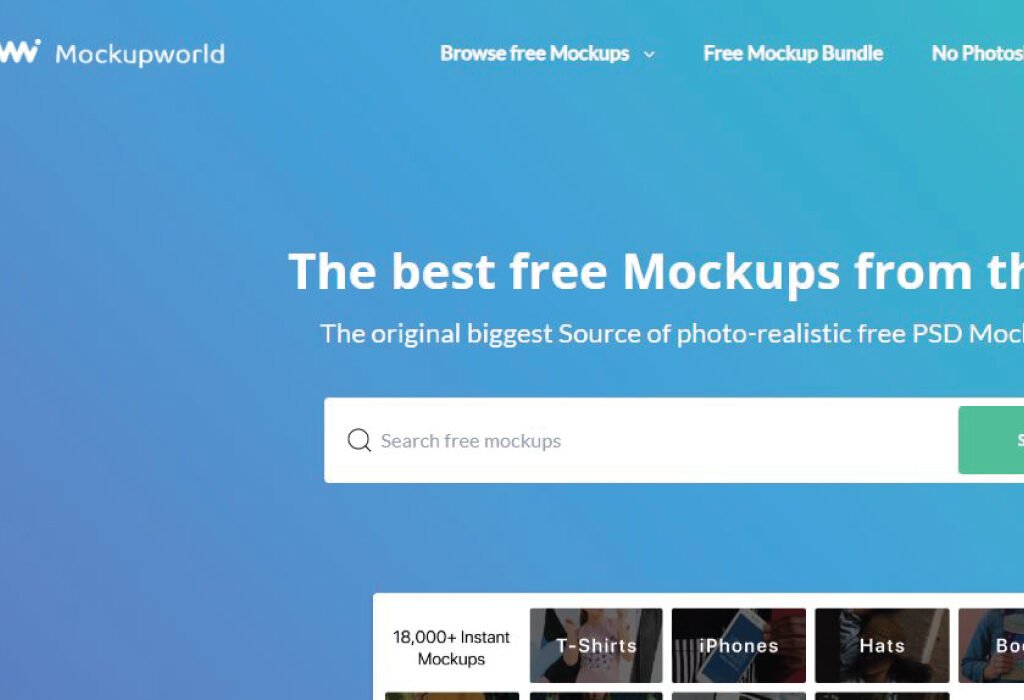
Mockup World is a well-curated directory of free, high-quality mockups from designers across the globe. Unlike Pixeden, Mockup World doesn’t create all the mockups themselves—they gather the best free resources and list them in one place.
If you’re tired of browsing hundreds of websites for free mockups, Mockup World is your solution. They handpick the best PSD mockups, saving you hours of searching.
Top Features
Massive Free Mockup Directory
To start with, Mockup World collects links to the best free mockups available online, making it a one-stop shop for designers. This saves you hours of searching across multiple websites.
User-Friendly Interface
Additionally, their website is clean, simple, and easy to navigate. You can quickly find what you need without dealing with cluttered menus or confusing layouts.
High-Resolution PSDs
Furthermore, most mockups listed on Mockup World are high-resolution PSD files and include smart objects for seamless editing. This ensures professional results, even for large-scale presentations.
Wide Variety of Categories
Besides that, Mockup World covers a wide range of categories, including devices, print, apparel, packaging, vehicles, signage, and more. No matter your project type, you’ll likely find a mockup that fits your needs.
Direct Links to Creators
Finally, Mockup World often provides direct links to the original creators’ websites, helping to support independent designers and studios. This not only gives credit where it’s due but also allows you to discover even more resources from talented artists.
Popular Mockup Categories
- Packaging & Branding Mockups
- Poster and Frame Mockups
- Stationery and Office Supplies Mockups
- Outdoor Advertisement Mockups (Billboards, Banners)
- Clothing and Fashion Mockups
Pros and Cons
| Pros | Cons |
|---|---|
| Huge collection of free mockups | Some links redirect to external sites |
| No registration required | Quality varies depending on the creator |
| Simple search and filter options | Occasional broken links due to third-party hosting |
| Supports independent designers | Not all files are under the same license—check before use |
Who Should Use Mockup World?
- Designers looking for diverse and unique mockups
- Marketing agencies needing presentation templates
- E-commerce sellers wanting product mockups
- Students working on portfolio projects
4. Mockup Cloud
Website: MockupCloud.com
Overview
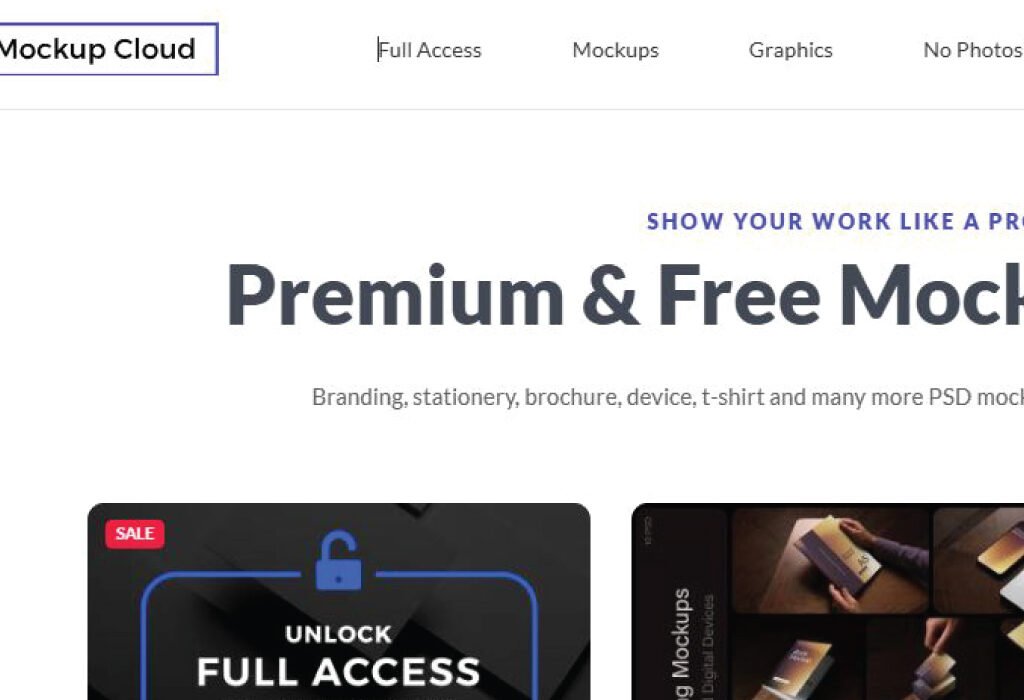
Mockup Cloud is primarily a premium mockup provider, but they offer a selection of free mockups that are worth checking out. The quality of Mockup Cloud’s resources is top-tier, focusing on clean, minimalistic, and professional templates.
Their mockups are often used in branding presentations, portfolio showcases, and marketing material.
Top Features
Photorealistic Scenes
To begin with, Mockup Cloud focuses on photorealistic and stylish mockups that elevate your design presentation. These mockups help you create realistic visualizations that stand out in portfolios and client proposals.
Branding Mockup Kits
In addition, you can download entire branding scenes that include multiple elements such as business cards, letterheads, envelopes, and more. This is especially useful for designers who want to present a complete corporate identity package.
High-Resolution Files
Moreover, the mockups are sharp and highly detailed, making them perfect for close-up presentations. This ensures that your work looks crisp and professional, even when zoomed in.
Customizable Scenes
What’s more, some mockups come with movable objects and fully layered PSD files, giving you total creative control over the scene. You can easily adjust positions, shadows, and highlights to match your design needs.
Freebies Section
Lastly, Mockup Cloud offers a freebie collection that, although small, is extremely high quality. These freebies often include samples from their premium packs, allowing you to access professional-grade resources at no cost.
Popular Freebies on Mockup Cloud
- Free Branding Mockup Scenes
- Stationery Mockups
- Business Card and Letterhead Templates
- Device and Screen Mockups
Pros and Cons
| Pros | Cons |
|---|---|
| Ultra-realistic designs | Limited number of free mockups |
| Perfect for branding projects | Most mockups are premium |
| Layered PSDs with full customization | Requires Photoshop CC for best use |
| Some free mockups include multiple items | Freebies section not updated frequently |
Who Should Use Mockup Cloud?
- Branding specialists
- Portfolio designers
- Agencies presenting corporate identity packages
- Freelancers building client pitch decks
Tips for Using Mockups Effectively
1. Customize Properly
Don’t just slap your design onto a mockup and call it done. Adjust shadows, highlights, and colors to match your brand aesthetic.
2. Use the Right Perspective
Choose a mockup that matches the context of your design. For example, don’t use a flat mockup for a 3D product.
3. Keep File Sizes Manageable
Mockups can be large. Keep your layers organized and consider compressing final presentations.
4. Check the License
Even free mockups may have different licensing terms. Always check if it’s okay to use them for commercial projects.

Hostinger Business Hosting
Get high-speed, secure hosting for your website. Limited-time 20% discount available.
Claim 20% Discount Visit Hostinger5. Mockup Design
Website: MockupDesign.com
Overview
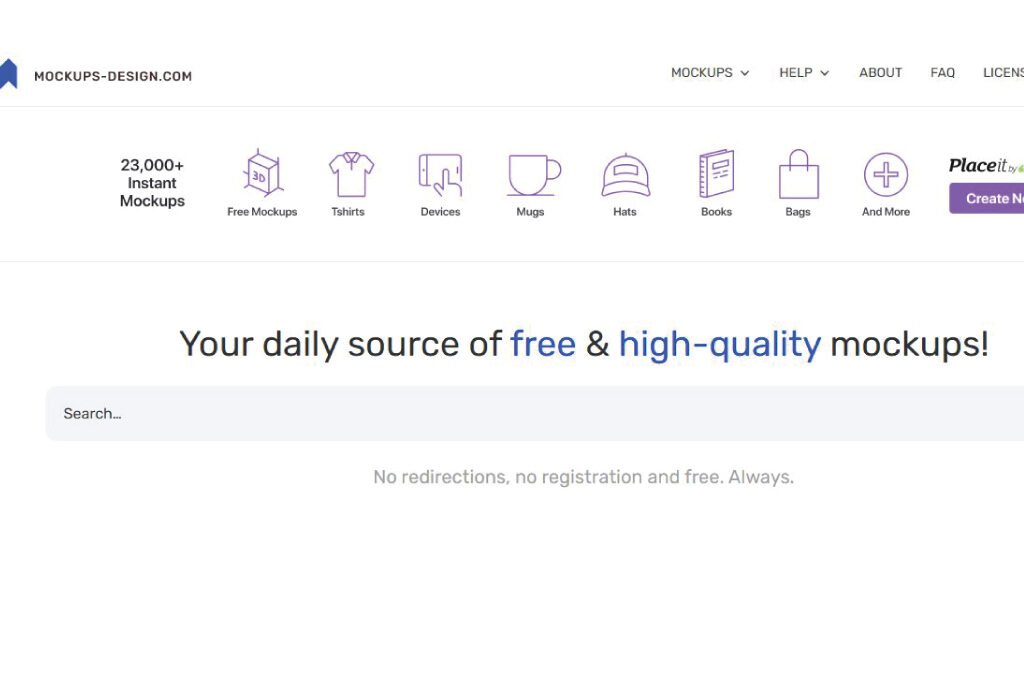
Mockup Design is a growing platform that offers free premium-quality mockups for graphic designers. Unlike some other websites that recycle the same templates, Mockup Design focuses on unique and modern mockup files. Their library includes packaging, branding, apparel, tech devices, and more.
Mockup Design is built with the designer’s workflow in mind. Every mockup is designed to be user-friendly, photorealistic, and customizable.
Top Features
1. Extensive Free Mockup Library
Mockup Design offers a wide range of free PSD mockups covering:
- Business cards
- Product packaging
- T-shirt and apparel
- Mobile apps and website UI
- Posters and billboards
- Social media templates
2. High-Resolution Files
Most mockups are delivered in 3000px or higher resolution, making them suitable for both print and digital use.
3. Smart Object Layers
Easily insert your designs into mockups using Photoshop smart objects. The process is fast and beginner-friendly.
4. Commercial Use License
Many mockups on Mockup Design are available for personal and commercial use. You can use them in client projects, presentations, or portfolios without worrying about legal issues.
5. New Mockups Every Week
Mockup Design regularly updates its library, ensuring that designers always have access to fresh and trendy resources.
Popular Mockup Categories
- Branding Mockups
- Packaging Mockups
- Clothing & Apparel Mockups
- iPhone, iPad, and Laptop Mockups
- Social Media Post Mockups
Pros and Cons
| Pros | Cons |
|---|---|
| 100% free mockups | Smaller library compared to premium sites |
| Commercial-use license | Requires Photoshop (no alternative formats) |
| Regularly updated with fresh designs | Some files are large (need fast internet for downloads) |
| Easy-to-use smart objects | Minimal tutorials available |
Who Should Use Mockup Designs?
Mockup designs are valuable tools for a wide range of users, including:
Social Media Marketers
To create eye-catching content and branded visuals for posts and ads.
Small Business Owners
To visualize product packaging, promotional materials, or branding concepts before launching.
Freelance Graphic Designers
For presenting design ideas professionally to clients and enhancing their portfolios.
Conclusion
In today’s fast-paced design industry, mockups are more than just tools—they are essential storytelling assets. They help designers bridge the gap between imagination and reality, allowing clients and audiences to see how a concept will truly come to life. Whether you’re working on branding, packaging, apparel, UI design, or marketing materials, presenting your designs with high-quality mockups is crucial for making a lasting impression. In a world where first impressions matter more than ever, using mockups from these sites can help you stand out, impress, and succeed in your creative journey.
Also, check the recent article about the best laptop for graphic design here.
A mockup is a realistic template that showcases how a design will look in real-world settings. Graphic designers use mockups to present logos, packaging, apparel, digital interfaces, and branding materials in professional scenes. Mockups help clients and audiences visualize the final product, making presentations more effective and engaging.
Yes, all five websites—Pixeden Club, Mockup World, Mockup Cloud, Mockup Design, and PSDFreeMockup—offer free mockups. Some sites, like Pixeden and Mockup Cloud, also have premium sections, but their free mockup collections are extensive and high-quality.
Yes, the majority of mockups on these websites are provided as PSD files that require Adobe Photoshop. These PSD files often include smart object layers, allowing you to insert your design easily. If you don’t have Photoshop, some sites offer previews in JPG or PNG, but full editing usually requires Photoshop.
No, the free sections of these websites do not require payment. Some platforms, like Pixeden Club and Mockup Cloud, offer premium membership options for more advanced resources, but you can download free mockups without subscribing or paying.
Yes! These mockups are beginner-friendly. If you’re new to Photoshop, you might need a quick tutorial on using smart objects, but once you understand the basics, it becomes a very simple process. Most of the mockups from these sites are designed for easy drag-and-drop functionality.
You can use mockups to showcase your designs on platforms like Etsy, Fiverr, or Creative Market, but you cannot resell the mockup files themselves. The mockups are meant for presentations, not for redistribution or resale as standalone products.
Most of these websites provide basic instructions within the download files. However, for additional help, you can find tutorials on YouTube or Adobe’s website that teach you how to work with smart objects, adjust lighting, and customize mockups to suit your needs.